Features
Your audience lives in Kit. Your courses run on it.
Cedarras builds your courses on the Kit account you already run. Your subscribers are your students. Your tags are your enrollment.
No second list to manage. No import, no export, no syncing.
The essentials are on every plan, Free included. Each paid feature is marked with the plan it starts on.
Enrollment is a Kit tag
Connect one or more Kit tags to a course. Every active subscriber carrying that tag is a student. Take the tag away and access ends, with their progress kept in case you put it back. Set the tag manually, or automatically, it doesn't matter, Cedarras course access follows suit. Simple, direct, effective. No complex automation needed.
Build the course
Sections and lessons
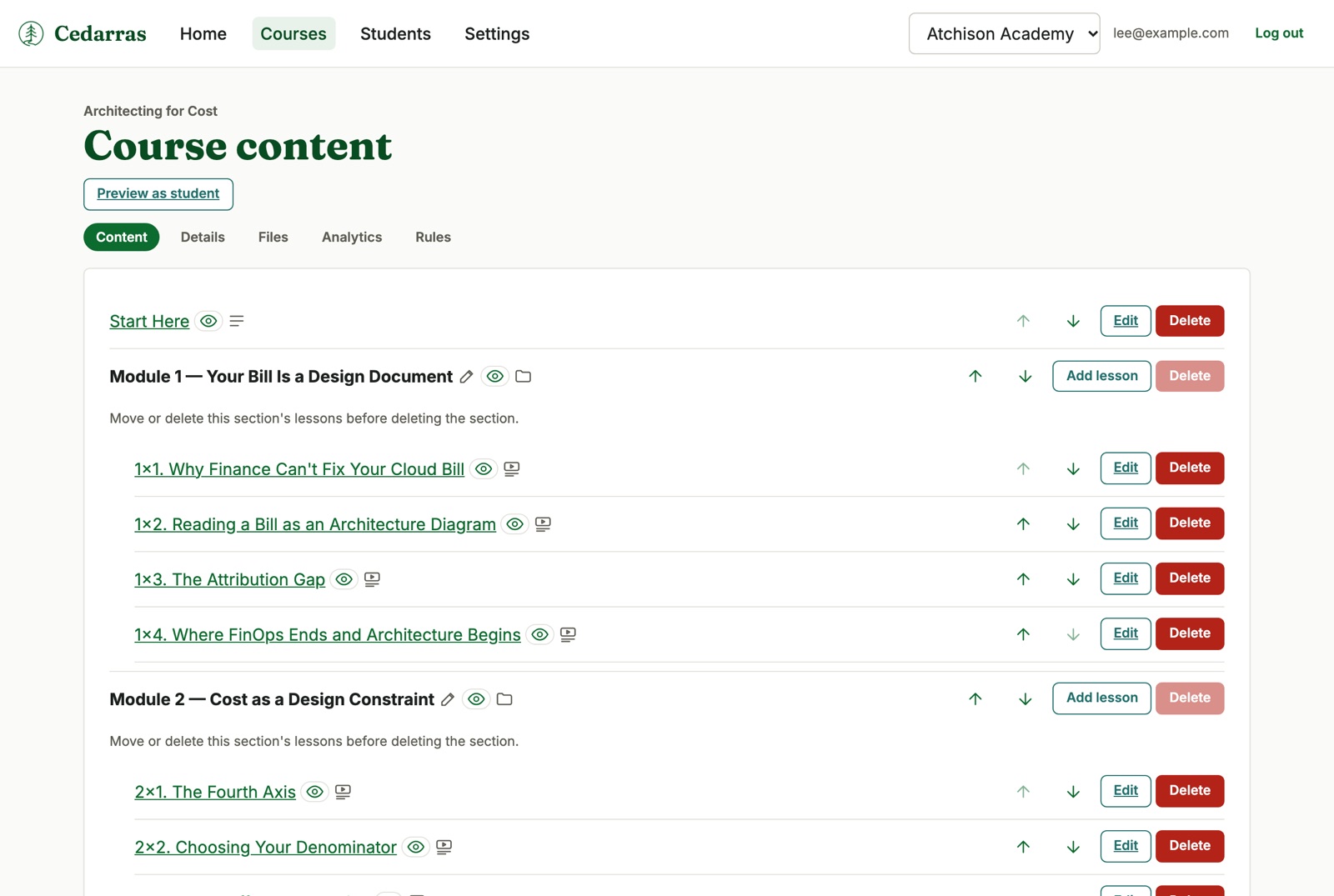
A course is sections and lessons. A lesson can sit inside a section or stand on its own at the top level, and you can move any of it around.
Everything starts hidden and goes live when you say so.
Five kinds of lesson
Video, text, video with text, a resource list, and a quiz.
Text lessons can have headings, lists, tables, images, and links. Every lesson can carry files and links, above the content or below it.
Files
Upload images for your lessons and documents for your students. Images go right into your lessons. Downloads are protected, so only your students can get them.
Quizzes and grades Creator and up
Single choice, multiple choice, and true or false. Write a bank of questions, and each attempt shows a different random set.
A required quiz has to be taken before a course counts as complete. A graded quiz feeds the student's grade. Retakes are unlimited, and changing your questions later never changes a score someone already earned.
Your AI assistant Creator Pro and up
Connect Claude or another AI assistant to your account. It can create courses, add sections and lessons, write content, add files and links, and build quizzes.
It cannot delete anything, it cannot read student records, and its permissions never exceed those of the person who connected it.
Release it on your schedule
Release lessons on your schedule
Decide when each lesson or section opens. Pick any of these, and combine them when you need to.
- Days after enrolling. Open a lesson or section a set number of days after a student enrolls. Creator and up
- Between dates. Open a lesson only between dates you choose. Weekly lessons, a live cohort, a bonus that is only there for a few days. Creator and up
- When a Kit tag says so. A lesson or section can be marked to stay locked until the student has a specific Kit tag. A Kit sequence can release one a week, with a matching email to the student. Creator Pro and up
- Finish to unlock. Finishing a module tags the student in Kit, and that tag can be used to open the next module within moments. And your Kit automations can perform other actions at the same time. Creator Pro and up
Until a lesson opens, students see only “Not available yet”. Take the tag away in Kit and the lesson locks again. You can set a date as well, and then both have to be met.
What students get
Made for phones
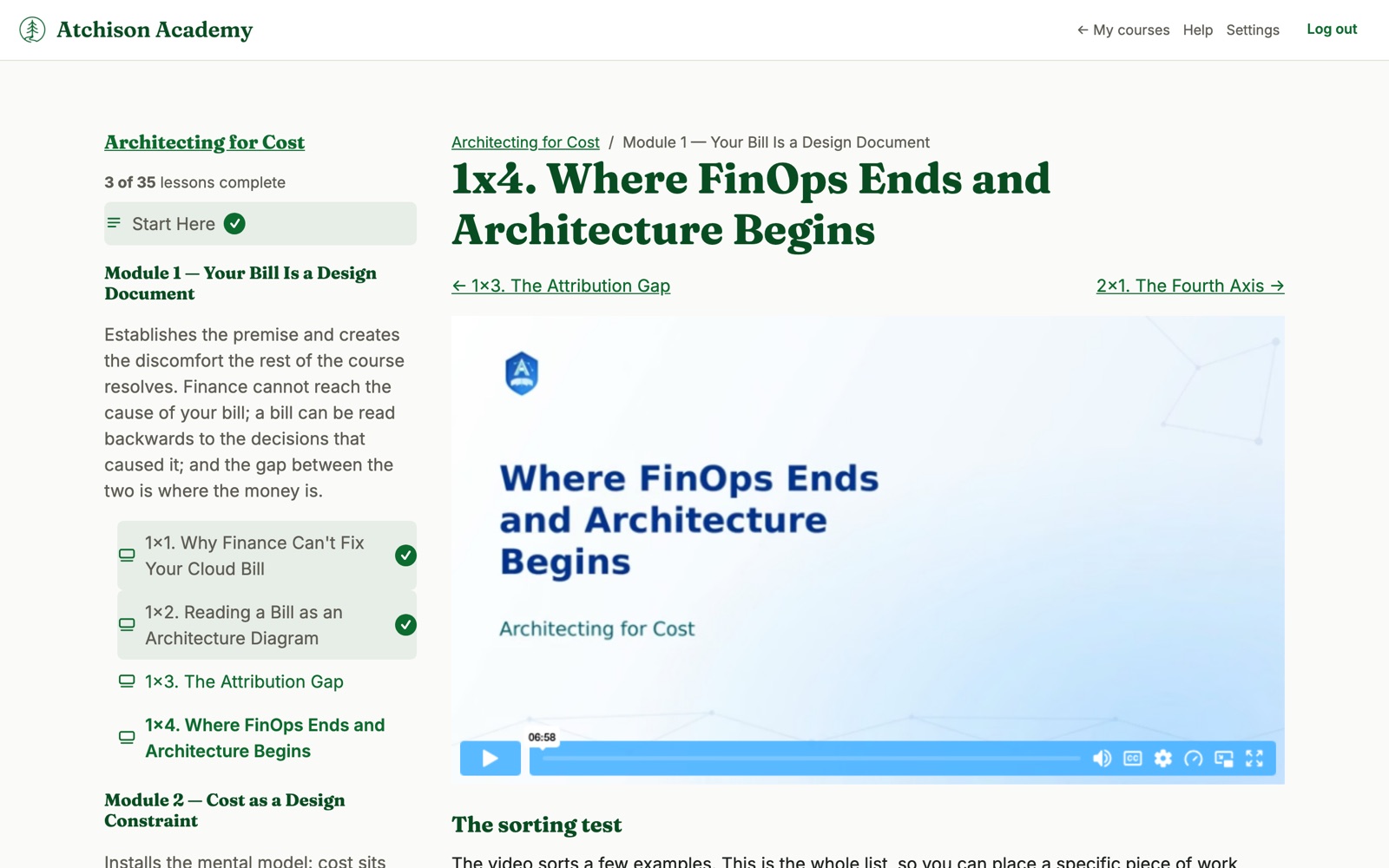
Everything your students see works on a phone. Lessons, videos, quizzes, and downloads fit any screen, so students can learn wherever they are.
There's no app to install. They just sign in.
Students and email
A student who has never had a Cedarras password gets a welcome email with a link to set one. Everyone else gets a plain access notice.
You get a student list you can search, and a button to send that email again. If an email address stops working, you can see it there.
Completion certificates Creator and up
When a student finishes your course, they get a certificate with their name, your course, the date, and your name and site icon. They can download it as a PDF, and choose to share it with a public link. It stays theirs even if you later close your account. Finishing can also tag them in Kit to start an automation.
Follow up through Kit
Powered by Kit automations
When you do need or want course automation, Cedarras hands the operation of your course to Kit's powerful visual automation system, so you do not learn a second automation tool. Enrollment, follow-up, encouragement, and grade updates all happen in the automations you already know how to build.
- Enrollment. A purchase, a form, or a sequence adds the tag, and the course opens.
- Follow-up. A student finishes a module or the whole course and Kit sends the next email or the offer for your next course.
- Encouragement pokes. A student who goes quiet gets a nudge from you, by email, without you watching a dashboard.
You design the flow in Kit and Cedarras supplies the signals: the tags and custom fields that say where each student is.
Drip and finish-to-unlock use the same tags. See Release lessons on your schedule.
Progress back into Kit Creator Pro and up
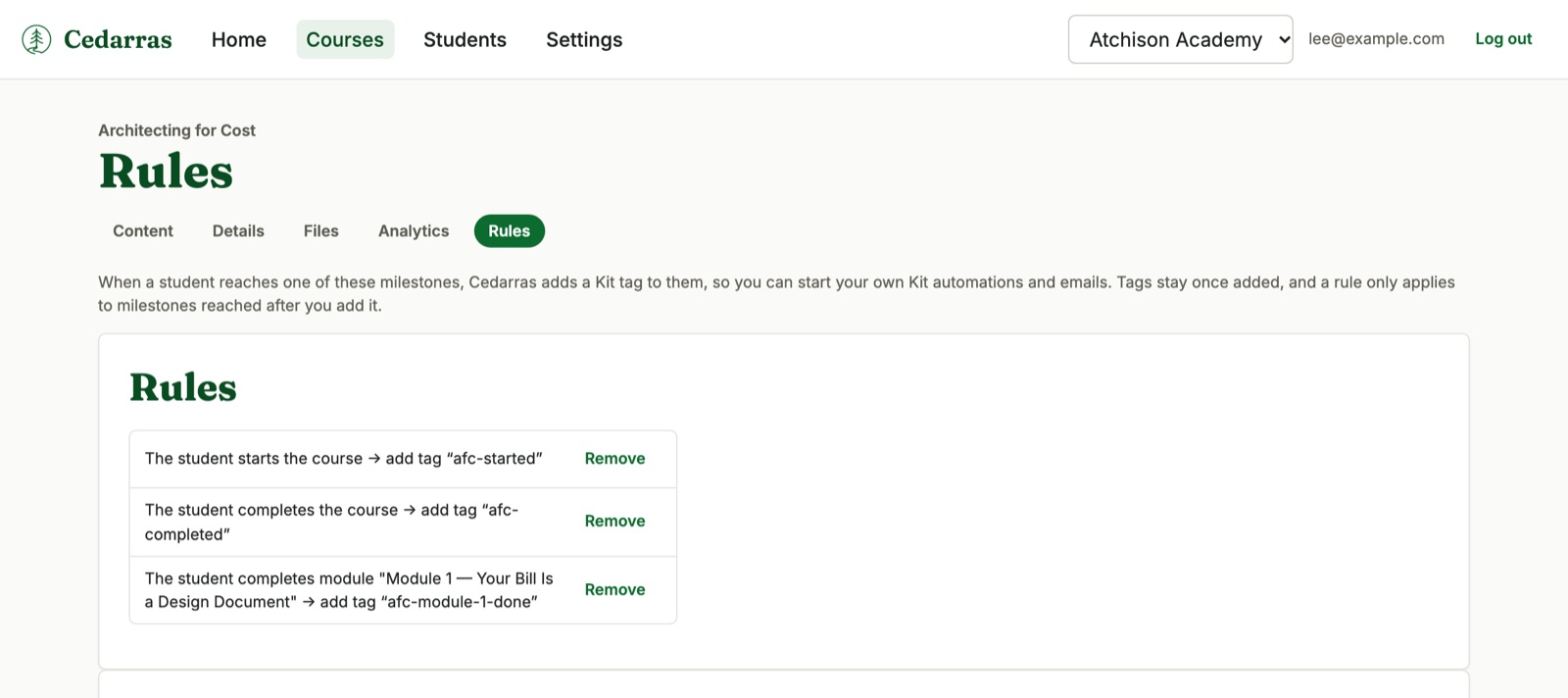
Rules turn progress into Kit tags. Course started, lesson completed, module completed, course completed. Each rule adds one tag, once per student.
You can also mirror a student's completion percentage and grade into Kit custom fields. If Kit is ever down, Cedarras waits and catches up. Nothing is lost.
See how it's going
Progress you can see Creator and up
Students mark each lesson complete. Cedarras counts the visible lessons, tracks the percentage, and records the completion date when the last one is done.
What you see is counts, not names. How many enrolled, started, completed, and gone quiet. How many reached each lesson, and which lesson most students stop on. There is no per-student activity screen, and that is deliberate.
Make it yours
Your own domain Creator and up
Point a domain at Cedarras and the course lives there, under your site icon and your name. We set up your site for secure student access and keep it that way. (See the padlock in the address bar? That means the connection is secure.)
Your videos, protected on Vimeo
Lessons play video from YouTube, Vimeo, Descript, or Mux. Your videos stay where you already keep them.
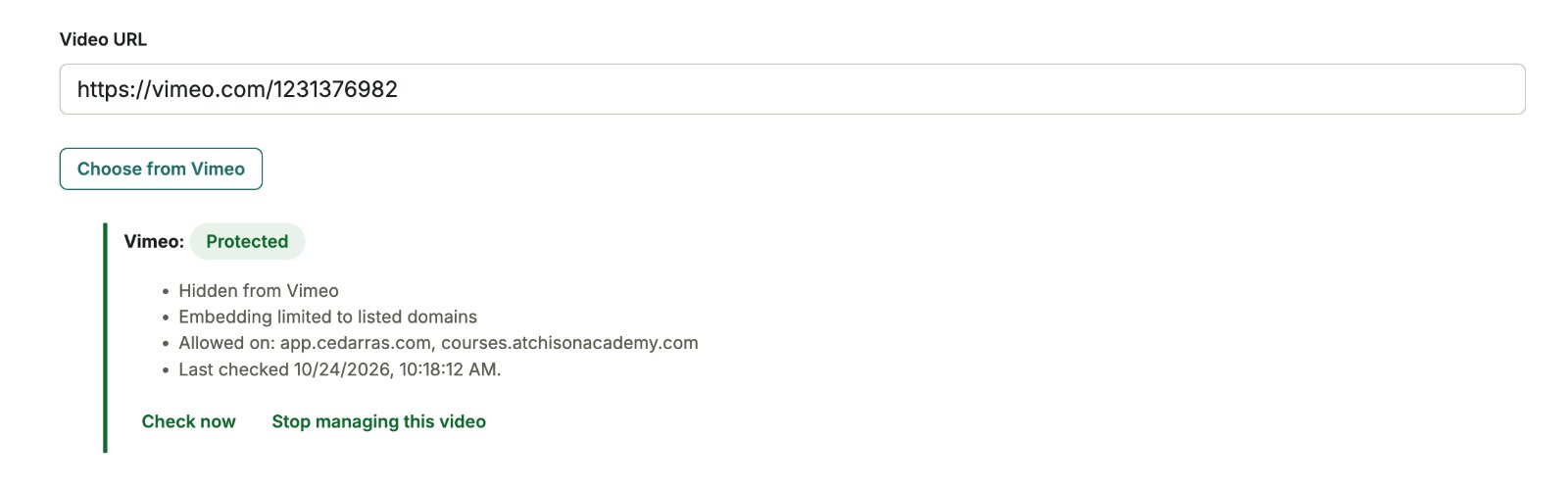
If you use Vimeo, you get more. Connect your Vimeo account, pick a video, and press Protect. Cedarras makes it private on Vimeo and lets it play only on your course site. Add a custom domain later and your protected videos follow.
Cedarras checks every protected video daily. If something changes on Vimeo, the lesson tells you.
Protection needs a paid Vimeo plan. YouTube can’t limit where a video plays, so Cedarras warns you when a lesson uses one.
Your team Creator and up
Invite people to help. An admin runs the account, an editor writes courses, and a viewer can look without changing anything. One owner holds billing and the Kit connection.
Ready when your audience is
Cedarras runs on Kit. Getting started walks you through installing from the Kit App Store, which connects Cedarras to the Kit account you already run.